
Table Of Contents 👉
Change Your Video Background for Free: The Best Online and Offline Solutions
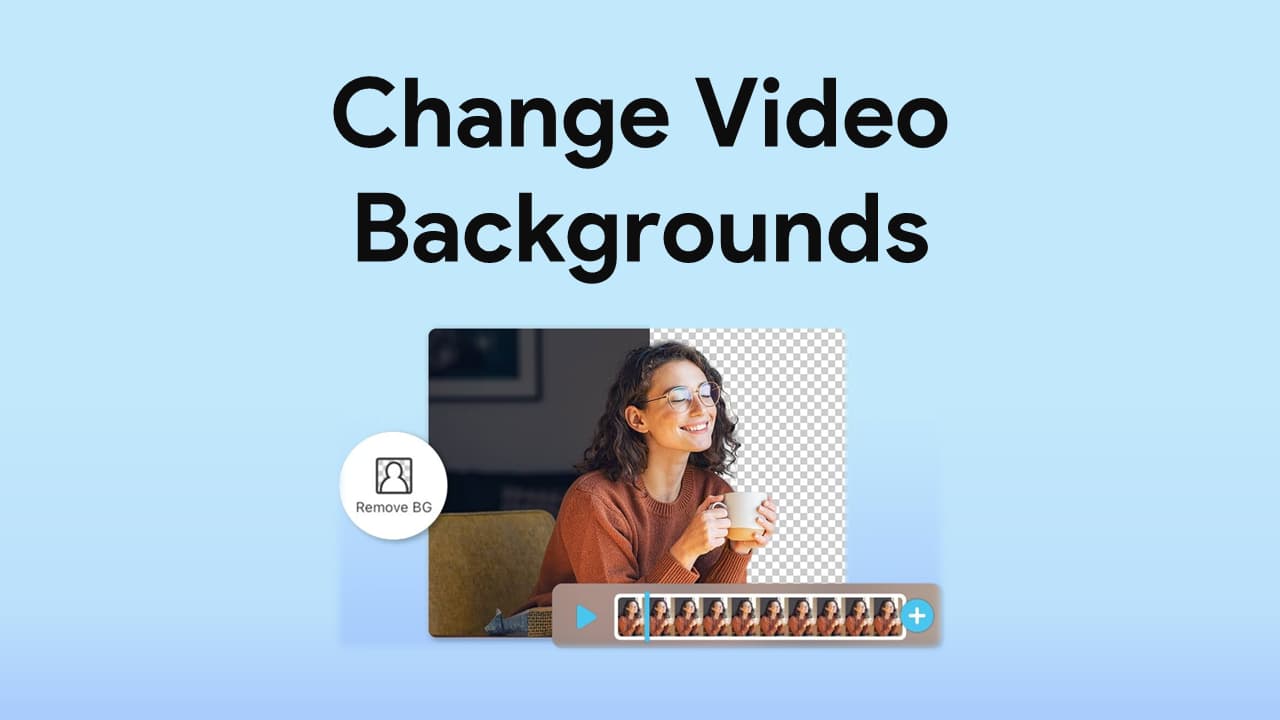
Changing a video background can be a great way to enhance the overall look and feel of your visual content. Whether you want to replace a distracting or unappealing backdrop or add interesting details to your footage, there are many tools available for this task. This article presents some of the best online and offline solutions for changing your video background for free. From simple web-based tools to professional-grade software, it covers everything you need to know to transform your videos with ease. Check it out!
Top 5 tools to remove BGs from videos online

Depositphotos Video Background Remover is an excellent online tool for effortless and free video backdrop removal. The solution is user-friendly, with a fast processing time, accurate cutouts, and high-quality outputs. Go to https://depositphotos.com/video-background-remover.html and upload your file. You’ll get a seamless and clean background quickly; processing time depends on the complexity of the uploaded clip. Depositphotos Video Background Remover supports MOV, AVI, MPG, MPEG, and MP4 formats and has a maximum allowed video duration of 60 seconds and a file size limit of 2 GB. You can download the results in MP4 format.
Unscreen
This free online video background removal tool is a versatile and convenient option for creators looking to manipulate their clips. It supports popular video formats, including MP4, WebM, OGG, MOV, and GIF, and allows you to replace backdrops with clips of your choice. You also get access to a collection of video and image backgrounds on the platform, making it easy to find and add the perfect backdrop. The tool’s interface is simple and user-friendly, making it easy for creators of any skill level to use.
Kapwing
This online tool provides several features for processing both local and online video files. You can easily add videos saved to your local system or paste a link to an online file. With the support of the Chroma Key technique, this solution allows automatic video background removal. Moreover, you can add fade audio effects to the clips for more professional results. Finally, Kapwing allows exporting files in popular formats such as MP4 and GIF.
Veed.io
This versatile online video editing tool offers a range of features for processing various types of videos. It supports local, online, cloud, and recorded videos, making it popular among aspiring and professional creators. With this tool, you can choose a new background from a preset collection or upload an image to be used as the video backdrop. Veed.io also offers other video editing features, including cutting and cropping.
Cutout.Pro
This free online tool allows you to remove backgrounds from videos and images in a few simple steps. Visit this video BG remover and upload your file for processing. You don’t need to download any software or purchase a subscription. However, you must create a free account to use the solution. Cutout.Pro supports MP4, WebM, MOV, and GIF files.
AI Tools You May Like:
Top 5 software and apps to change video backgrounds
Adobe Premiere Pro
Adobe Premiere Pro is a top-tier video editing software that is widely used in the film and video production industry. It offers several options for removing backgrounds from videos, including chroma keying, a popular technique that involves shooting footage against a green or blue screen. Using chroma keying in Premiere Pro, you can easily remove a solid-colored background and replace it with a new one. Premiere Pro also provides other advanced methods for background removal, such as masking and rotoscoping, which can be useful for manipulating more complex backgrounds. However, these techniques require more time and advanced editing skills. Overall, Adobe Premiere Pro is a powerful tool for professional and aspiring creators who want to remove backgrounds from their videos.
Final Cut Pro
Final Cut Pro is a professional video editing software developed by Apple Inc. It allows you to edit and manipulate digital videos, audio, and images. The software offers advanced tools for video editing, color grading, audio mixing, and special effects. One of its great features is background removal, which is particularly useful for creating stunning BG video effects and making clips more appealing. With its intuitive user interface and extensive range of features, Final Cut Pro is widely considered one of the best video editing software options available today.
KineMaster
KineMaster is a popular video editing app that allows Android and iOS users to remove and replace video backgrounds easily. The app’s Chroma Key feature can help you remove specific colors and shapes from a background or eliminate an entire backdrop. The solution also offers various customization options, allowing you to select a new background from the built-in library or import your own images or videos. Whether you want to add a creative touch to your social media or create professional-quality videos, KineMaster is a go-to tool.
Movavi Video Editor
Movavi Video Editor is a powerful and user-friendly video editing software. It offers numerous advanced features and intuitive tools, allowing you to manipulate footage, add special effects, and create custom video projects. With its AI-based algorithms, the software can effectively and independently remove video BGs and keep only the subject of a clip visible. Using the solution, you can adjust the keying algorithm, fine-tune the color range, preview changes in real-time, and create professional-looking videos with complex backgrounds and special effects.
Camtasia Studio
Camtasia Studio is an all-in-one screen recording and video editing software developed by TechSmith. It offers various features for editing video backdrops, such as adding and removing backgrounds, adjusting the opacity of backgrounds, and using green screen effects. These features allow you to customize backdrops and create engaging and appealing video content easily.
Conclusion
There are various online and offline solutions available for changing video backgrounds. Automated online backdrop erasers like Depositphotos Video Background Remover, Unscreen, and Kapwing are perfect for beginner creators who want to quickly and effortlessly manipulate their visuals. Professional software such as Adobe Premiere Pro and Final Cut Pro are recommended to get more advanced features and control over the final output. Explore the options in this article and choose a solution that suits your needs and budget, in order to create top-quality videos with removed or replaced backgrounds.
AI Tools You May Like