
Unfake Png Review: In the world of graphic design and image editing, the need for authentic and high-quality images is paramount. However, dealing with fake Png images and their accompanying transparency grids can be a challenge. That’s where Unfake.png comes in.
| AI Tool Name: | Unfake.png |
| Category: | Best AI Image Generator Tools |
| Features: | AI-Powered Image Transformation, Automatic Removal of Fake Transparency Grid, etc |
| Cost: | Free |
| Unfake.png Free Alternative: | No-Background |
What Is Unfake.png?
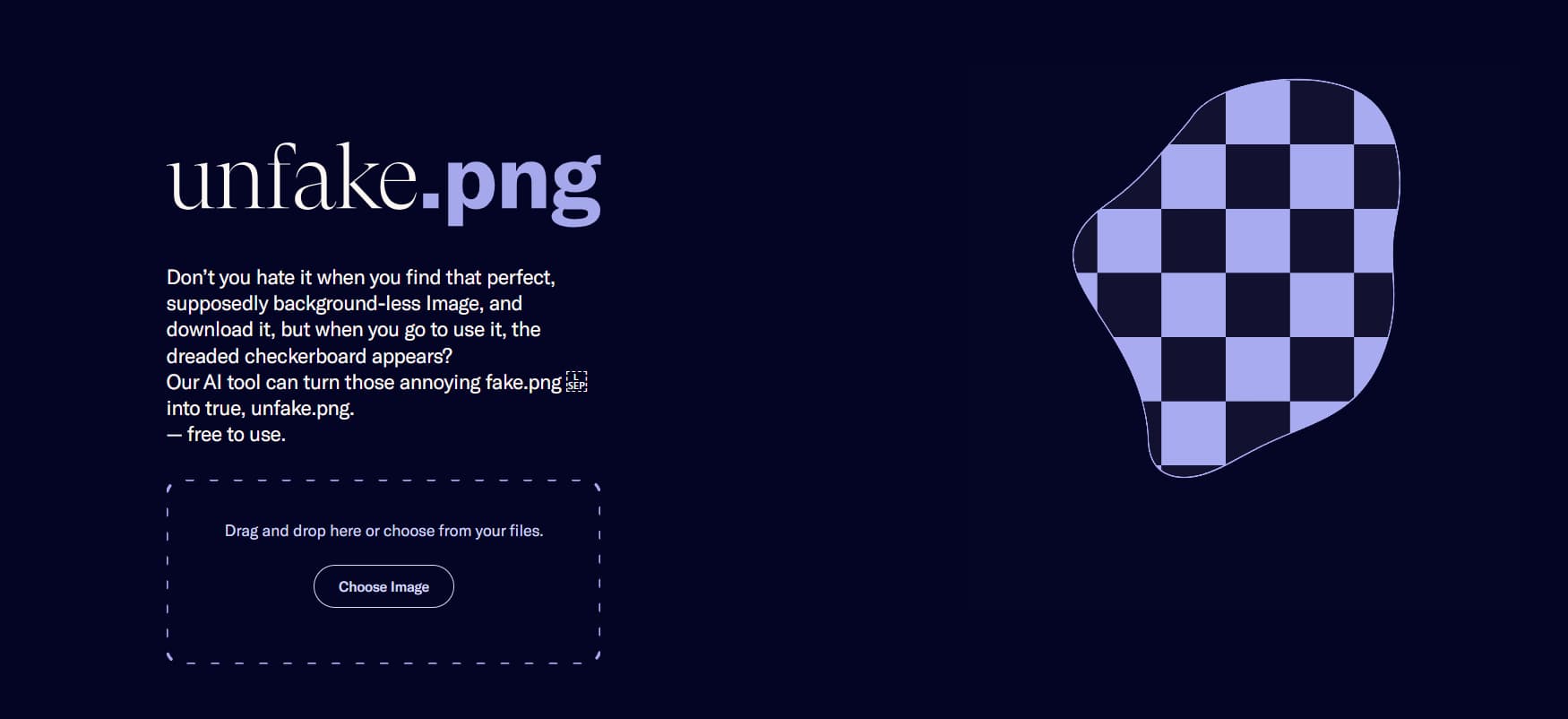
Unfake.png is an AI-powered tool that converts fake Png images into true background-less .png files. It offers a simple and efficient solution for removing fake transparency grids from images. It is accessible on multiple platforms, including Android and iOS apps, a Figma Plugin, and a Chrome extension.
What Are The Features Of Unfake.png AI Tool?
- AI-Powered Image Transformation: Unfake.png utilizes advanced AI technology to convert fake.png images into true, background-less .png files. The AI algorithm ensures accurate and reliable transformations, enhancing the authenticity of your images.
- Automatic Removal of Fake Transparency Grid: Say goodbye to the tedious task of manually removing fake transparency grids. Unfake.png’s AI algorithm automatically detects and cleans up these grids, saving you valuable time and effort.
- Easy Upload and Instant Download: With Unfake.png, the process is seamless. Users can effortlessly upload their images through the intuitive interface and instantly download the transformed .png files, ensuring a quick and hassle-free experience.
- Multiple Platform Availability: Unfake.png caters to various user preferences and workflows by offering accessibility across multiple platforms. Whether you prefer working on Android or iOS devices or you rely on Figma or Chrome in your design process, Unfake.png has you covered.
What Are The Use Cases Of Unfake.png AI Tool?
- Graphic Designers and Artists: Unfake.png is a valuable tool for graphic designers and artists who want to remove fake transparency grids from their images. It helps them achieve clean and professional-looking visuals, enhancing the overall quality of their work.
- Individuals and Businesses: Whether you’re working on personal projects or representing a business, Unfake.png provides the means to obtain true background-less .png files. These files are essential for various creative endeavors, such as web design, branding, and marketing materials.
- Professionals and Enthusiasts: Photography enthusiasts and professionals can benefit from Unfake.png to enhance the quality and authenticity of their images. By eliminating fake transparency grids, the tool helps create visually stunning photographs that truly stand out.
- Designers and Editors: If you utilize Figma or Chrome as part of your design or editing workflow, Unfake.png’s Figma Plugin and Chrome extension are invaluable additions. Seamlessly integrate Unfake.png into your existing tools, streamlining your image transformation process.
Unfake PNG Demo

Frequently Asked Questions On Unfake.png
Is Unfake.png a free AI tool?
Yes, Unfake.png is completely free to use.
Can I use Unfake.png on my mobile device?
Absolutely! Unfake.png is available as both an Android and iOS app, allowing users to convert fake.png images conveniently on their mobile devices.
How long does it take to convert an image with Unfake.png?
The conversion process is fast and efficient. After uploading your image, you can instantly download the transformed .png file.
Can Unfake.png handle large images?
Yes, Unfake.png is designed to handle images of various sizes, including large files.
Are the transformed .png files of high quality?
Absolutely. Unfake.png ensures that the transformed .png files maintain high quality and authenticity.
Best Unfake.png Alternatives
- BG Remover
- Pixian.AI
- No-Background
- Blend
- BgSub
- WatermarkRemover.io
- Img-Cut
- Remove.bg
AI Tools You Must Explore