
Can’t imagine how a new look will fit in your room? Upload a photo and Artevia AI’s reimagines the space in seconds, swapping furniture, changing styles with smart editing and style transfer, showing real Amazon products you can buy, and even upscaling or rendering videos so you don’t waste hours hunting matches or pay a designer every time. Think it’s hard or costly? Just pick a style or write a short prompt, generate several designs, and choose a simple plan or day pass to get fast, realistic results for homeowners, designers or teams. Seems exciting, right? Let’s get into the details.
What Is Artevia AI?
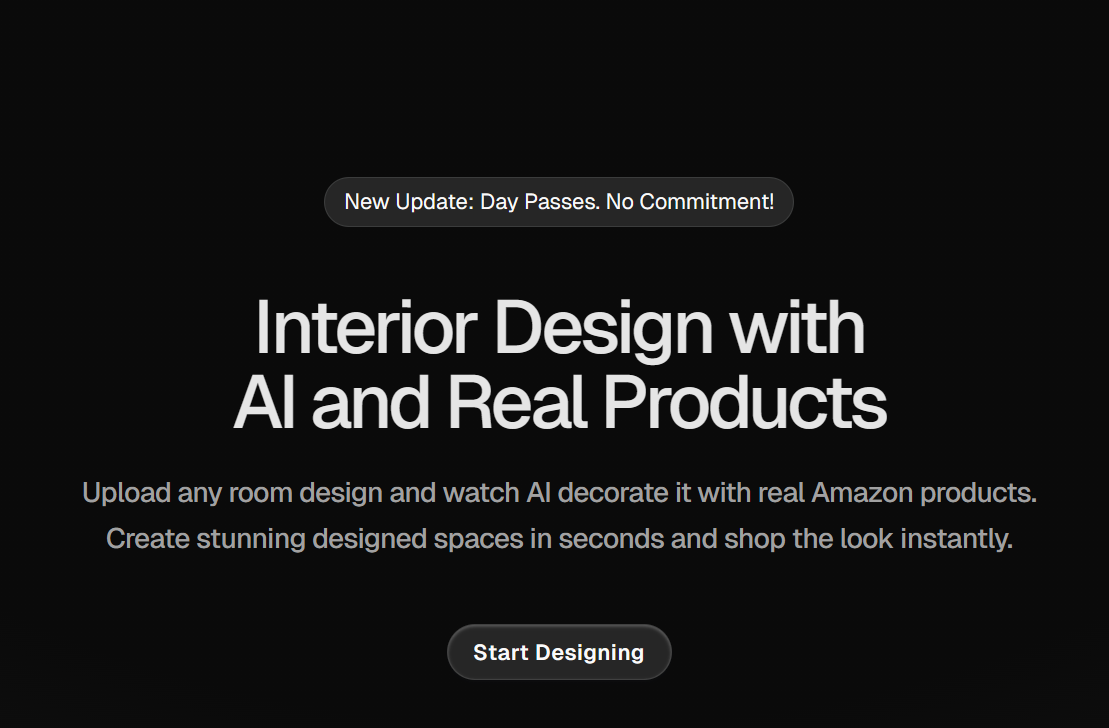
Artevia is an AI-powered interior design tool that allows users to transform room images into new styles quickly and realistically. The process begins with uploading a photo of any indoor space, such as a living room, office, or bedroom. Once uploaded, the tool automatically detects the structure and layout of the room, preparing it for modifications.
Users can then apply changes by typing text prompts, selecting reference images, or using brush strokes to highlight specific areas they want altered. This approach makes the tool accessible to both casual users who want quick redesigns and professionals who need precise adjustments in style, layout, or decor.
The platform’s primary strength lies in its ability to restyle spaces with AI-driven transformations. Artevia can reimagine interiors in different aesthetics, ranging from modern and tropical to cultural and thematic variations.
Through “style transfer,” the tool adapts a reference image or prompt into the uploaded room, ensuring a consistent design output. The inpainting feature adds flexibility by letting users directly edit furniture, walls, textures, or decor items within a selected area.
Once a room is transformed, the tool suggests items from Amazon that match the generated visuals. This “shop the look” functionality turns the designs into actionable outcomes rather than just conceptual renderings.
Users can see how an interior might look with actual purchasable items, making it a practical solution for homeowners, renters, and interior decorators.
High-quality output is another focus of the platform. Generated images can be upscaled to higher resolutions for professional presentation or sharing purposes. The AI system ensures that fine details, textures, and lighting effects remain intact when the resolution is enhanced.
Beyond static images, Artevia.AI also includes video rendering. With predefined camera movements, users can create smooth walkthrough-style videos of redesigned rooms. This feature is supported by video enhancement capabilities, including detail preservation and noise reduction, producing visuals that look closer to professional interior animations.
The workflow within Artevia AI is designed to be straightforward. Users upload a room photo, give instructions through prompts or style references, and let the AI generate variations. After reviewing the results, they can re-edit with new prompts, swap individual objects, or refine details using brush-guided changes.
Once satisfied, they have the option to download, upscale, or render the design into a video. Because the process is AI-driven, results appear in seconds rather than hours, making it useful for quick experimentation and client-facing presentations.
Key Features Of This AI Tool
- AI-powered interior redesign.
- Automatic room layout detection.
- Style transfer with text prompts.
- Style transfer using reference images.
- Inpainting for targeted edits.
- Brush-guided object replacement.
- Furniture and decor swapping.
- Real product integration from Amazon.
- High-resolution image upscaling.
- AI-rendered video walkthroughs.
- Predefined camera movements in videos.
- Video noise reduction and detail preservation.
- Re-editing and prompt refinement options.
- Support for SketchUp render styling.
- Multiple design styles and themes.
- Instant design generation.
- Subscription tiers with image credits.
- Non-stackable monthly credits.
- Cancel-anytime subscription model.
- Commercial usage allowance for generated images.
Use Cases Of This AI
- Redesigning home interiors with new styles.
- Visualizing living room, bedroom, or office transformations.
- Experimenting with cultural or thematic design variations.
- Creating styled interiors for real estate presentations.
- Generating quick mockups for client approvals.
- Enhancing SketchUp renders with realistic styles.
- Producing marketing visuals and campaign content.
- Designing showroom layouts with purchasable items.
- Developing prototypes for educational or design training.
- Creating styled visuals for storytelling and content creation.
- Showcasing multiple design variations for faster decision-making.
- Testing furniture and decor changes before purchase.
- Generating walkthrough-style videos for presentations.
- Producing visuals for social media engagement.
- Supporting agencies in delivering design concepts at scale.
- And more.
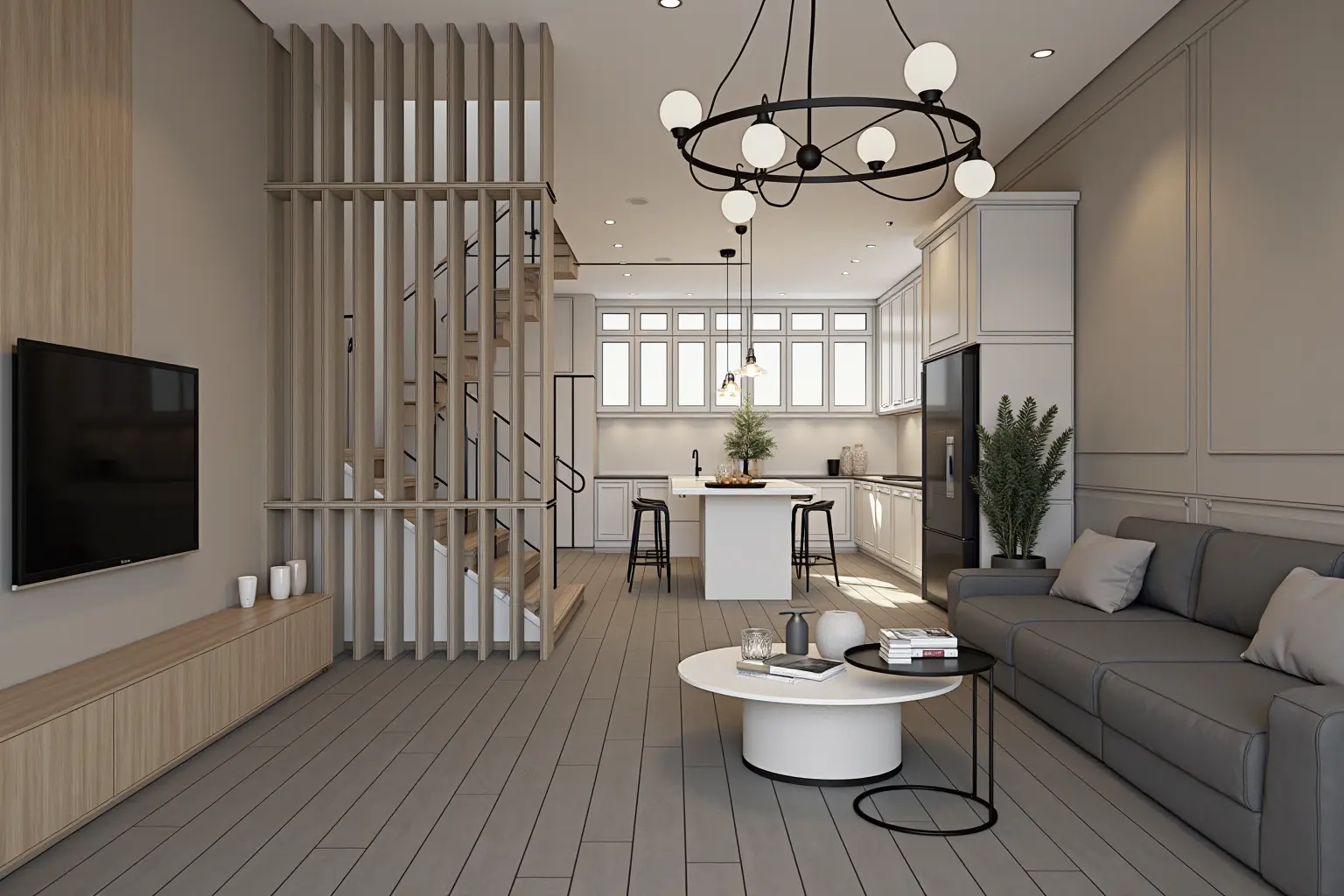
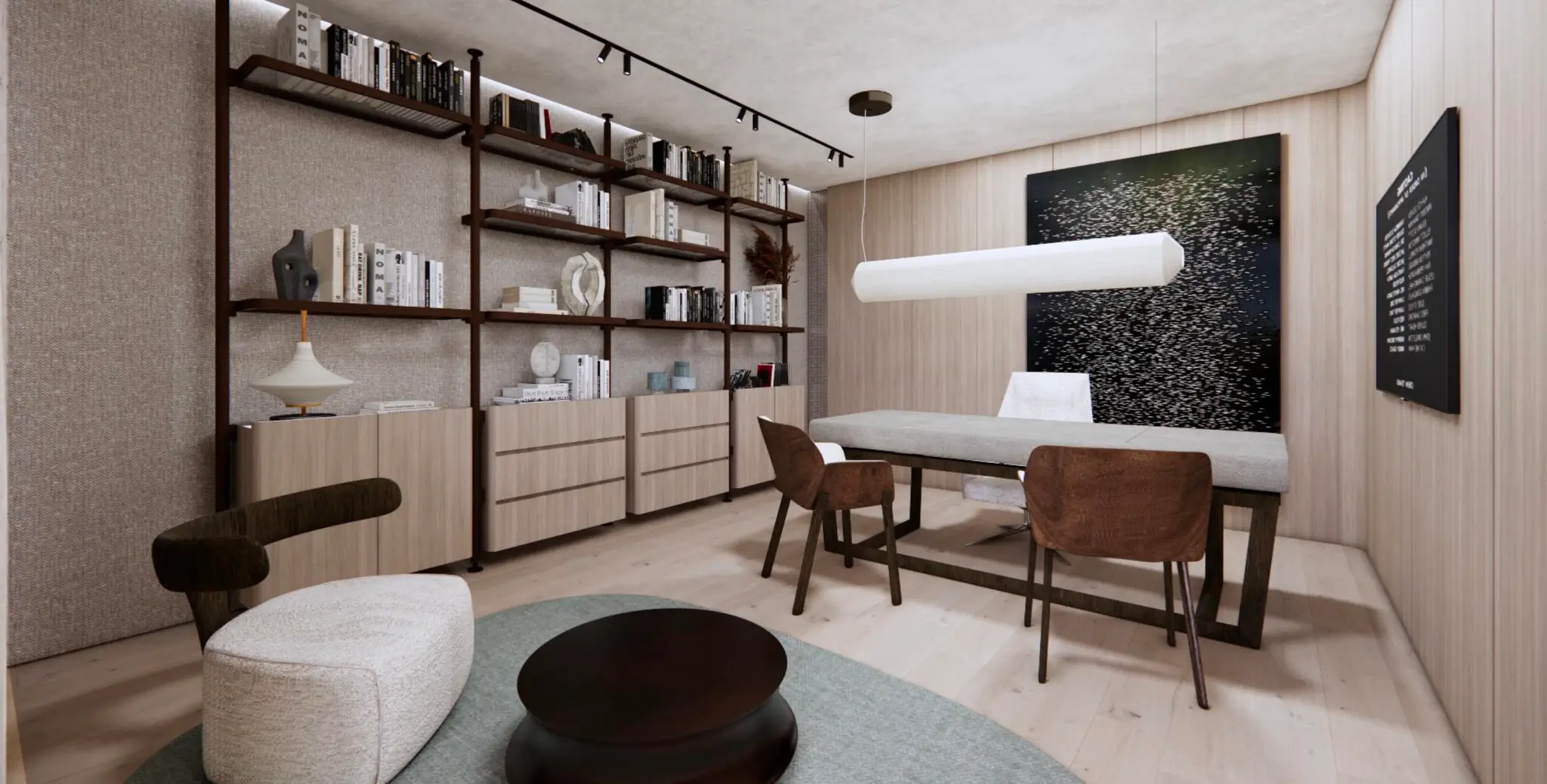
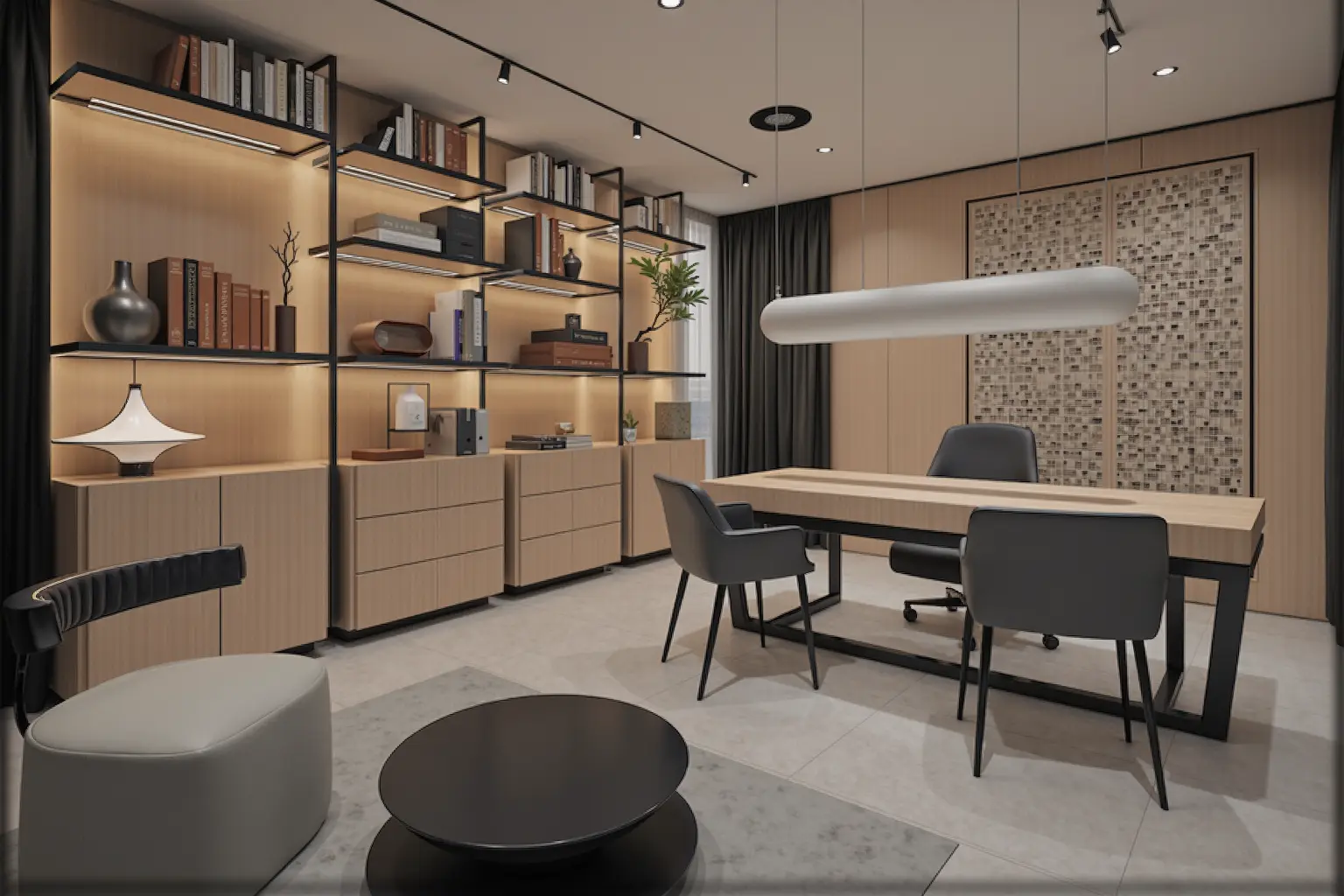
Demo Images Generated Using Artevia.AI


Other Tools You May Like